
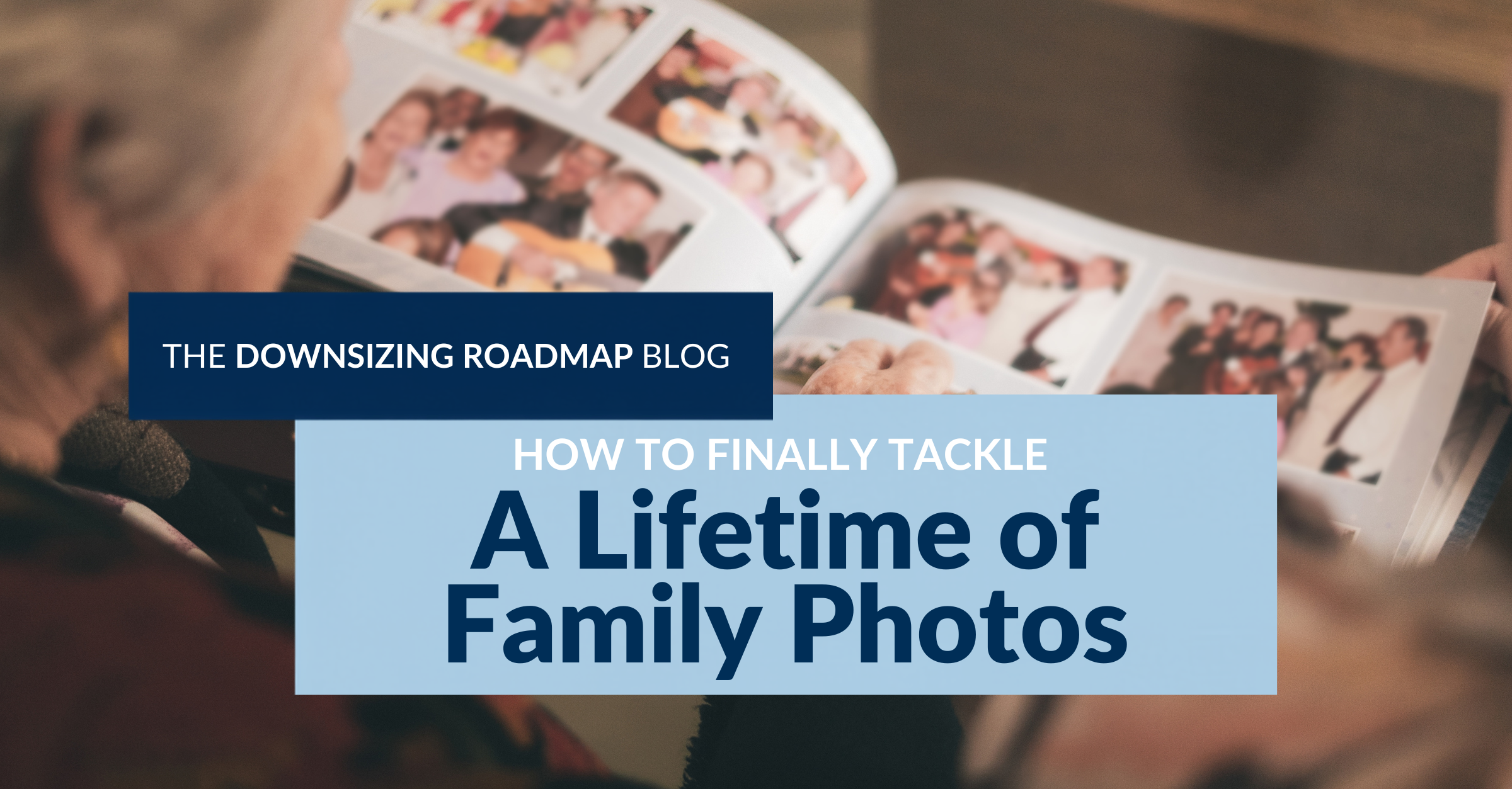
If you have decades of family photos and no idea how to begin, start by deciding what you want the finished collection to look like. Then work through the photos in layers, beginning with the easiest decisions and saving the harder choices until you can see what you actually have.
Photos can bring a downsizing project to a halt because a picture may be connected to a person, a trip, your children growing up, or a piece of family history you want to preserve.
A good plan changes the project. You are not sitting down to decide the fate of every family photograph at once. You are working toward a collection that tells the stories you want to keep and is manageable enough to actually enjoy.
What do you want your family photo collection to become?
Before sorting anything, decide what you want to have when the project is finished.
Would you like a few photo books that can sit on the coffee table? Do you want favorite pictures scanned for a digital frame? Do you still enjoy traditional albums? Maybe one or two organized photo boxes would be perfect, or you want to divide some photographs among children, grandchildren, siblings, or other family members.
This is the Dream It part of our Downsizing Roadmap process. Knowing where you are headed gives you something concrete to work toward.
If you are tackling more than photos, our Free Downsizing Guide walks through the five steps we use to help organize the larger downsizing process.
Where do you start when photos are everywhere?
First, gather them.
Check drawers, closets, cabinets, boxes, desks, and other places where loose photographs have landed over the years. Bring together existing albums and those envelopes of prints that were picked up after developing film and never made it any farther.
Then make one pass through everything looking only for easy decisions.
Remove duplicate and triplicate prints. Let go of blurry pictures, accidental shots, and photographs that no longer mean anything to you.
Look at the subject matter, too. You may have a stack of pictures from a zoo trip that includes every animal you saw. You probably do not need all of those to remember the day. The photograph of your family together may be the one that matters.
The same can be true of beaches without people, buildings, scenery, or other subjects that seemed worth photographing at the time but no longer add much to the story.
Old processing envelopes and unnecessary packaging can go. If you find negatives, slides, or other original photographic materials, set those aside until you know what you have and whether you still need them.
Most importantly, do not turn the first pass into the hard pass.
If you find two great pictures of your mother and cannot decide which one to keep, keep both. If you have several good photographs of an important event, leave them alone for now.
A decision between two photographs you love does not need to stop an entire project that still contains hundreds of easy decisions.
By the end of this first pass, the collection is often noticeably smaller without requiring any difficult decisions. That gives you a much clearer collection to work with next.
How do you sort family photos before making the harder decisions?
Now start grouping what remains.
You might sort by year, vacation, holiday, event, person, or different branches of the family. Large categories can be broken down further as you see what you have.
There is no need to create a complicated photo-organizing system. You are trying to get enough order around the collection to see the stories inside it.
Existing albums deserve a look at this point, too. If albums are not part of the finished collection you pictured at the beginning, removing the photographs can eliminate a lot of bulk. If you want albums when you are finished, review the ones you already have with the same easy-out criteria. Removing photographs you no longer want also creates room for others you may decide to add.
As you sort, keep thinking about how you want to revisit these photos later. The purpose of the collection is to enjoy it, not to create better-organized boxes that go back into a closet for another twenty years.
How do you decide which family photos are worth keeping?
Once the photos are grouped, you can start making the more thoughtful decisions.
One way to approach this is to think about a coffee-table book about a famous person. A book can tell the story of an entire life in a relatively small number of photographs. It does not need every picture ever taken of that person to show who they were, what they did, who mattered to them, and how their life changed over time.
Use the same idea with your own collection.
If your child played soccer for years, you may have hundreds of photographs from practices and games. Look for the photos from different ages, teams, friendships, or important moments that tell the story of those years without keeping every version of it.
Vacations work the same way. You may have dozens of photographs showing where you went, but the picture that matters most may have very little to do with the scenery.
I have a favorite photo from a family trip to Canada. We saw beautiful places all week, but one of the photographs I would keep is our family sitting together wearing the old fishing hats from the cabin while we played poker. We started calling them our “poker hats.” It is a picture with a story attached to it.
Look for those kinds of photographs. Keep the pictures that represent the people, relationships, milestones, personalities, and memories you want the collection to tell. You can reduce the number of photographs dramatically and still end up with an amazing record of your family’s life.
What do you do with the photos once you have downsized them?
Go back to the plan you made at the beginning. Make the photo books. Scan the photographs for the digital frame. Fill the albums. Organize the photo boxes. Give family members the pictures you set aside for them.
If the technology is the part stopping the project, get help with it. Scanning can be done yourself or outsourced, and Downsizing Roadmap can also help clients connect with resources when they need assistance completing projects like this.
Then put the finished collection somewhere it can be enjoyed.
Invite family over and pull out the photos. Tell the stories behind them. Keep the books where someone will pick them up. Put the digital frame somewhere you will see it.
The work of downsizing the collection has a purpose: getting through the boxes, finding the pictures that matter most, and turning them into a collection that you and your family can enjoy now.
That is a much better ending for family photos than another twenty years in the back of a closet.
Frequently Asked Questions About Downsizing Family Photos
Do I need to scan every old family photo?
No. Sort and curate first. Once you know which photographs belong in your finished collection, you can decide which ones you want to digitize. That keeps you from spending the time or money to create a digital version of the same oversized collection.
What if I cannot choose between two good photographs?
Keep both during the first pass. Save that decision until you have sorted the larger category and can see how many similar pictures you have. The choice often becomes clearer when you are looking at the collection as a whole.
What do I do with photos of people I cannot identify?
Set aside photographs that another family member may be able to identify. If no one knows who the people are, let those photos go. An unidentified person is not helping preserve your family story, and keeping the photo only adds more volume to the collection.
Is it better to organize old photos by year or by person?
Choose the system that will make the photographs easiest for you to find and enjoy later. Some collections work well chronologically, while others make more sense organized by family member, vacation, holiday, event, or branch of the family.
What is the easiest way to start when I have boxes and boxes of photos?
Decide what you want the finished collection to become, gather the photos into one place, and make your first pass only for easy decisions. Remove duplicates, poor-quality pictures, unnecessary packaging, and photographs you already know you do not want. Do not turn that first pass into the hard pass.
If you’re thinking about downsizing and want a clear place to start, you can begin with our Free Downsizing Guide:
https://downsizingroadmap.com/guide/
If you prefer to learn by listening, you can explore The Downsizing Roadmap Podcast:
https://downsizingroadmap.com/downsizing-roadmap-podcast/
We share ongoing insights on our Facebook page:
https://www.facebook.com/downsizingroadmap/
You’re also welcome inside our private Facebook group, Downsizing & Decluttering for You or Your Parents | Downsizing Roadmap, where people ask questions and share experiences:
https://www.facebook.com/groups/downsizingroadmapcommunity
And if you’re ready to talk through your situation, reach out here:
https://downsizingroadmap.com/help/
Jodi Rosko and Heather Fisher and Downsizing Roadmap work with clients every day to help them move through downsizing with a clear plan, so progress can happen without creating more stress along the way.